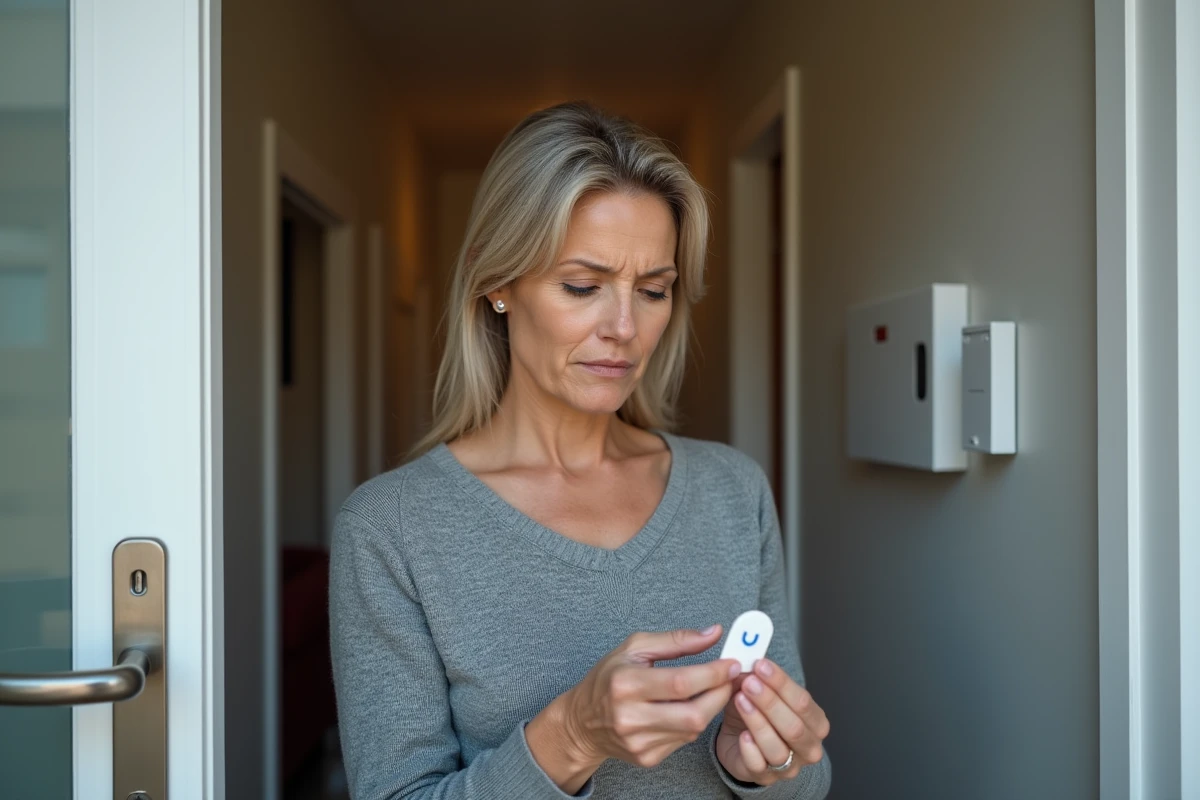
We rush in, hold the badge in front of the reader, and nothing happens. The siren remains armed, and the confirmation beep does not sound. When a Verisure badge stops working, the first reaction is often to think of a serious system failure. In most cases, the problem can be resolved without heavy technical intervention, provided that the right things are tested in the correct order.
Verisure badge battery: the first reflex before any diagnosis
Before looking for a fault in the control panel or a software bug, we start with the battery. This is the most common cause of an inactive badge, and it is also the easiest to check.
The Verisure badge uses a button battery. Over time, its voltage decreases to a level where the signal emitted is no longer sufficient to communicate with the reader. The system is supposed to signal a low battery level via the app or the control panel.
The low battery alert does not always arrive before complete failure. Recent customer feedback on Verisure France’s social media confirms that the sending of replacement batteries, although contractually provided, is not systematic.
To test the battery, we remove it and measure its voltage with a basic multimeter. If we don’t have one, we directly replace it with a new battery of the same model (reference printed on the back of the badge or in the user guide).
After replacement, we hold the badge in front of the reader. If the control panel light reacts, the problem is solved. Several guides detail the steps to follow in case the Verisure badge is not working, including choosing the right battery.
Badge and Verisure control panel pairing issue
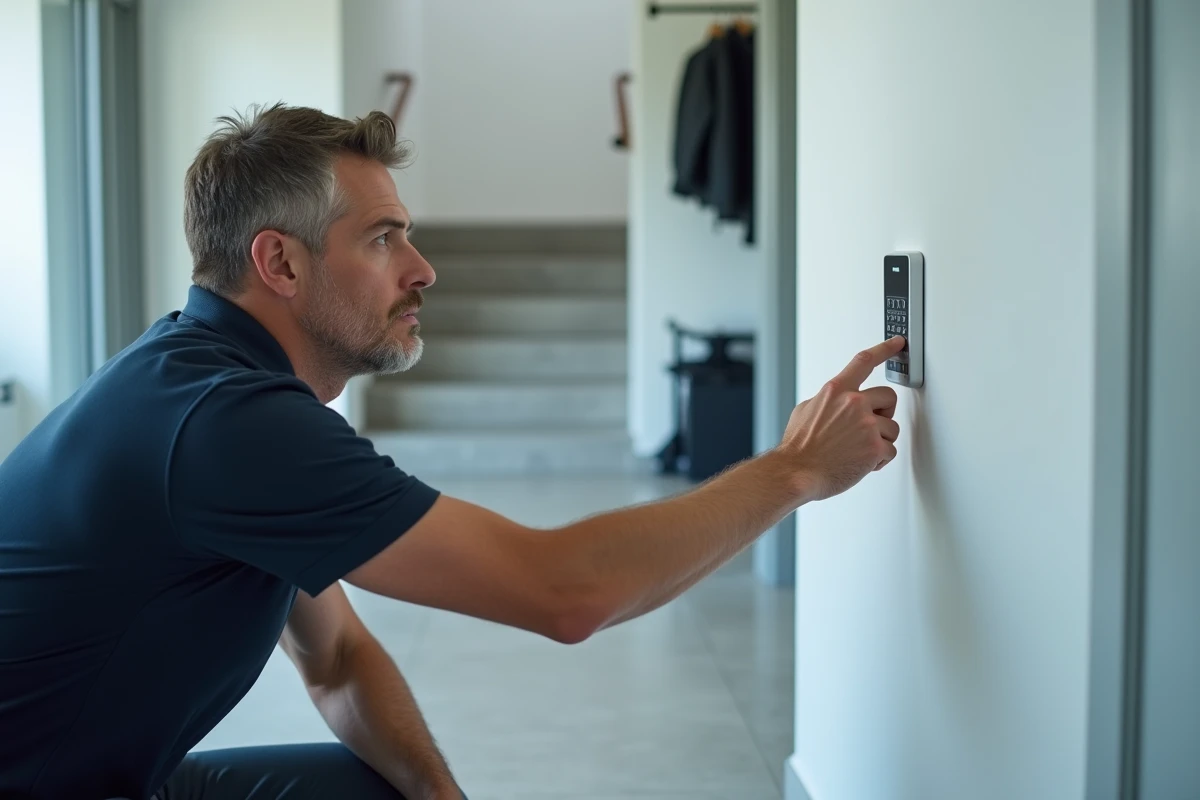
If the battery is good but the badge remains silent, the issue often lies with the pairing. Each badge is associated with the control panel through a secure protocol unique to Verisure. This association can be lost after a prolonged power outage, a system update, or sometimes for no apparent reason.
Check the badge status in the app
We open the Verisure app on our phone and access the section dedicated to devices. The badge should appear in the list of active equipment. If it is absent or reported as an error, the badge has lost its association with the control panel.
Reprogramming the badge from the app is not always possible depending on the models and software versions. Feedback varies on this point: some users manage to restart the pairing themselves, while others must go through customer service.
Reprogram the badge via customer service
Verisure operates in a closed ecosystem. You cannot buy a generic badge in stores and associate it yourself with the control panel. This constraint has an advantage (enhanced security, impossibility of cloning the badge) and a disadvantage (any advanced manipulation goes through Verisure).
When we contact customer service to reprogram a badge, the team can intervene remotely on the control panel in the majority of cases. The operation takes a few minutes if the technician has access to the system. We keep the badge close to the reader during the procedure to ensure proper pairing.
Defective Verisure badge: signs of physical wear to look for
A badge that is carried in a pocket, among keys and coins, undergoes daily mechanical stress. Over time, micro-cracks or oxidation of the internal contacts can render the electronic component unusable, even with a new battery.
Here are the signs that indicate a need for hardware replacement:
- The casing shows a visible crack or abnormal play when pressed. The badge’s waterproofing is compromised, which accelerates internal corrosion.
- The badge works intermittently (once every three times, only when pressed against the reader). This behavior indicates degraded electrical contact between the battery and the circuit.
- The SOS button integrated into the badge no longer responds. On recent models, this emergency button is part of the main circuit. Its failure confirms a global hardware defect.
In these cases, replacing the badge is the only solution. We order a new badge directly from Verisure, which will associate it with the control panel upon delivery or via a remote intervention.
Troubleshoot your Verisure alarm while waiting for the new badge
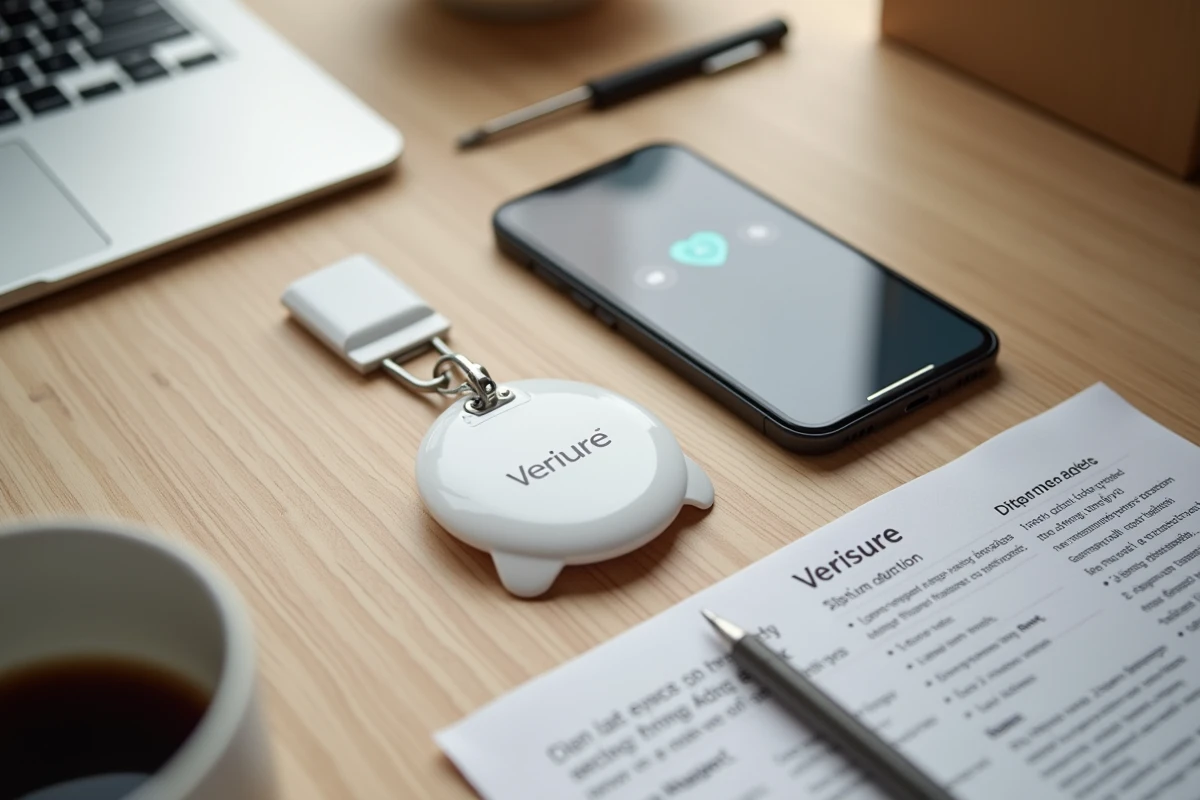
Between the moment we notice the failure and when the replacement badge arrives, we are not without solutions. The Verisure alarm can be activated and deactivated by other means.
- The mobile app allows us to arm and disarm the system remotely. This is the most direct method if we have our phone on hand.
- The control panel keypad accepts a personal code. We enter it directly on the panel to deactivate the alarm without a badge.
- If other household members have their own badge, each badge is individually associated with a user, allowing the system to continue functioning normally with the remaining badges.
We also think to check that the partial operating mode (perimeter protection only, for example) can be activated from the app, to maintain a security coverage even without access to the main badge.
A failing Verisure badge does not undermine the reliability of the system as a whole. The battery, pairing, and physical wear cover almost all failures encountered. The most effective approach remains to test these three points in order before calling customer service, which will intervene remotely if the problem exceeds simple battery replacement.